Five Key Principles to Double the Lifespan of Lithium-ion Batteries.
The lifespan of a lithium-ion battery is typically limited to 3-5 years or approximately 500-1,000 charge cycles. However, many people are unaware that this lifespan can be more than doubled with proper usage habits. The chemical stability of a battery is significantly affected by how it's used, and this article outlines 5 key principles that can be immediately applied in everyday life to extend battery life.
What is the biggest factor affecting lithium-ion battery lifespan?
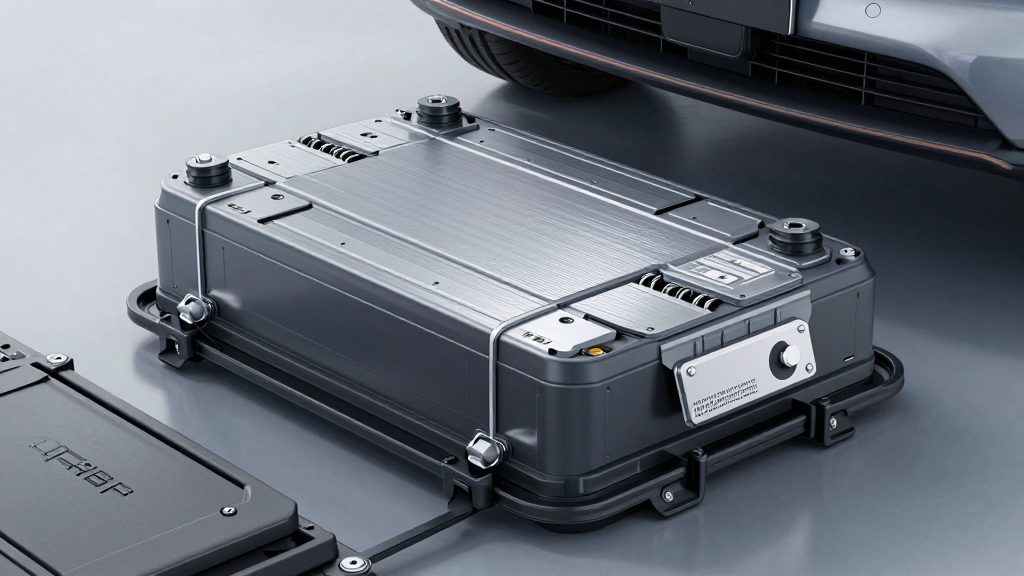
- Maintaining the charge level within a specific range is crucial. The most stable operating range is between 20% and 80%.
- When the battery approaches its maximum charge (100%), more lithium ions are fixed to the electrode surface, which can lead to metal deposition and structural damage to the cathode. Conversely, operating at very low charge levels (close to 0%) can damage the thin electrolyte membrane. Maintaining a charge level between 20% and 30% is key to extending battery life.
- Exposure to high temperatures shortens battery lifespan.
- If a battery operates continuously above 45 degrees Celsius, the electrolyte decomposes and the oxidation reaction of the cathode is accelerated. Even using a device indoors at 30 degrees Celsius for extended periods can lead to faster battery degradation. Avoid leaving your phone in direct sunlight or inside a hot car after charging.
- Initial charging habits are critical.
- Unlike older lead-acid batteries, lithium-ion batteries do not require an "initial full charge." In fact, repeatedly charging to 100% can cause electrode corrosion and heat generation. It's more stable to charge the battery to 80% or less from the beginning.
- The power output of the charger affects battery lifespan.
- Fast chargers (e.g., 15W or higher) deliver a large current in a short period, which can cause heat and electrical stress on the battery. This can lead to uneven lithium deposition and electrode degradation. Using a standard charger (10W or less) is recommended for everyday use.
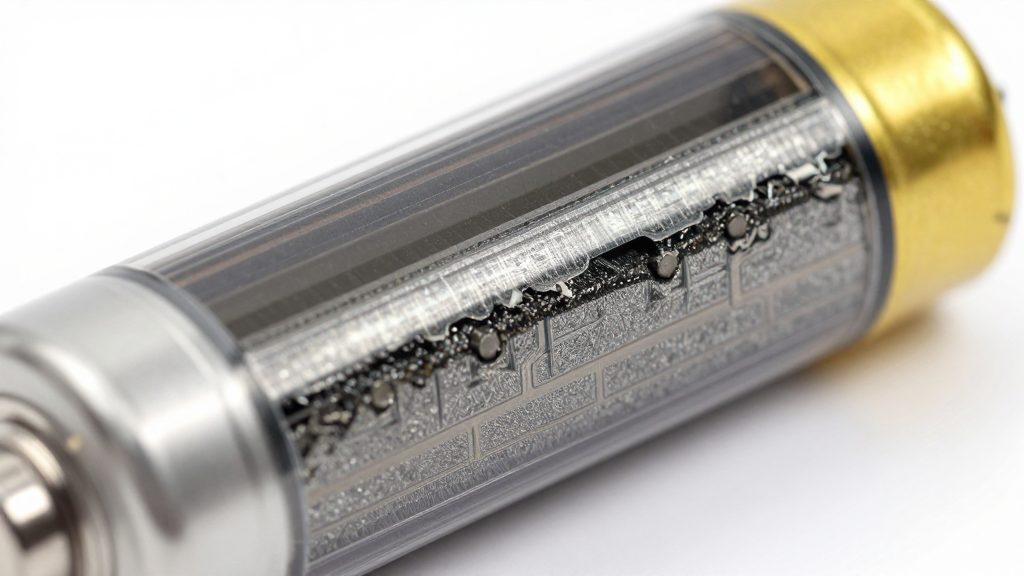
- Actively use the battery preservation mode.
- Many smartphones and laptops have a "battery saving mode" or "battery management mode" designed to protect battery life. This feature automatically stops charging when the battery reaches 80% and resumes charging when it drops below 20%. This feature is often more effective than conscious user management.
Why is the 20-80% range considered the "golden zone" for battery life?
Lithium-ion batteries store electricity as lithium ions move from the cathode to the anode. As this process repeats, the structure of the cathode weakens, and if lithium ions do not fully deposit on the anode, a phenomenon called "lithium plating" occurs. This can cause internal short circuits and overheating, significantly reducing battery life.
- Charging above 80% causes excessive lithium accumulation on the anode, leading to irregular crystallization of metal.
- Leaving the battery at levels below 20% causes an imbalance in the lithium concentration within the electrolyte, leading to the formation of an abnormally thick "SEI layer" (solid electrolyte interphase) on the anode surface. This layer reduces conductivity and increases the battery's internal resistance.
Therefore, maintaining a charge level between 20% and 30% ensures stable lithium ion movement and slows down the formation of the SEI layer, potentially doubling battery life.
Does frequent use of fast charging really damage the battery?
While it may not cause immediate problems, long-term use can have negative effects. Fast charging delivers a large current in a short period, causing the battery's internal temperature to rise rapidly. This can lead to electrolyte decomposition or uneven lithium deposition.
- The more frequently a fast charger is used, the faster the battery's internal resistance increases.
- This reduces the battery's charging efficiency and can lead to problems such as "not charging."
Solution: Fast charging should be used only when necessary, such as for quick departures or when away from home. Limit it to 1-2 times per day. Standard chargers, which take longer to charge, put less stress on the battery. It's more important to develop a habit of charging to 80% rather than always charging to 100%.
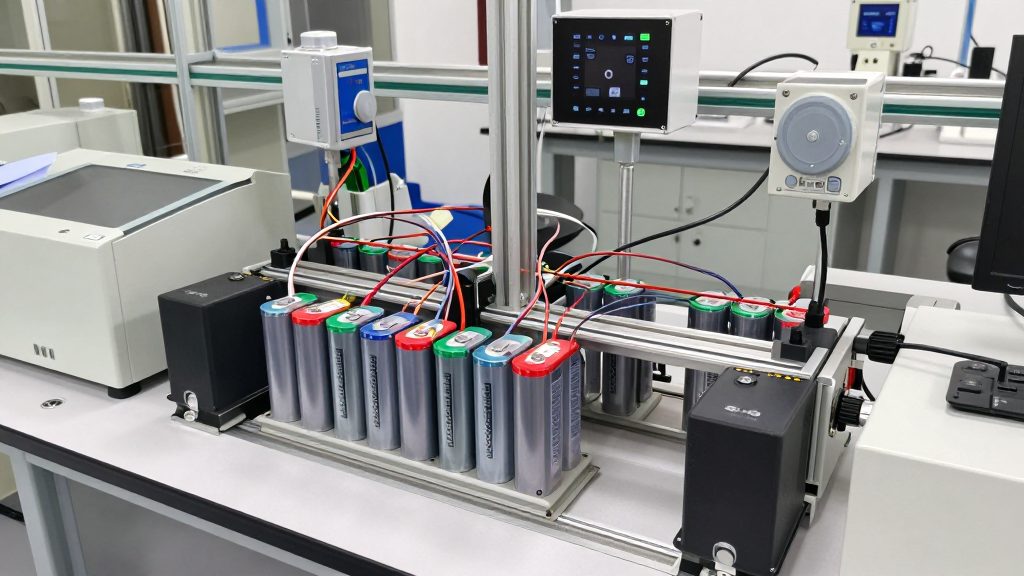
Why should you enable battery preservation mode?
Battery preservation mode is a feature available on smartphones and laptops that stops charging when the battery reaches 80% and automatically resumes charging when it drops below 20%. This protects battery life even if the user doesn't actively manage it, making it particularly effective for users who frequently charge their devices.
- Battery preservation mode reduces the battery's temperature and minimizes the time it spends at 100%, which helps prevent electrode degradation.
- It's an essential feature for users who have a habit of charging their phones overnight.
- Some products claim that enabling battery preservation mode can extend the "battery life to over 2 years," but this is a fixed setting and refers to relatively stable lifespan extension.
Is it better to charge the battery when it's at 40% or 60%?
The answer is that both are possible, but starting at 60% is more stable.
- Charging at 40% means the battery's voltage is low, and it can be difficult to maintain a balanced current flow during charging. This can lead to uneven lithium deposition during the initial charge.
- Starting at 60% means the battery's voltage is more stable, and the current flow can be regulated smoothly before reaching 80%.
Additionally, starting at 60% places the "starting point" closer to the center, making it more beneficial to operate within the 20-80% range.
If the battery reaches 100%, should you immediately unplug it?
Unplugging it immediately is ideal, but it's not always possible in reality. The key is to avoid keeping the battery in a "constantly charged" state.
- When the battery reaches 100%, it automatically switches to a "standby" mode, but a small current continues to flow internally, generating heat.
- Prolonged operation at 100% increases the rate of electrolyte decomposition and can lead to abnormal lithium deposition.
- Therefore, it's best to turn off charging within 30 minutes of reaching 100%. However, if this is not possible, enabling battery preservation mode is a good alternative.
Frequently Asked Questions
Q. Is it okay to charge my smartphone to 80% and then recharge it when it drops to 20% while in use? A. Yes, it's perfectly fine. Cycling between 20% and 80% is the most beneficial for battery life. Even if you repeat this process frequently, the stress on the voltage and current is minimized.

Q. Does enabling battery preservation mode increase charging time? A. It may slightly increase charging time, but it won't significantly affect everyday use. Battery preservation mode stops charging at 80%, so it will take longer to reach 100%, but this is a positive trade-off for battery life.
Q. Does the 20-80% rule also apply to batteries in household devices (e.g., electric bicycles, power tools)? A. Yes, the same principle applies. In particular, lithium-ion batteries in electric bicycles or power tools are prone to rapid degradation when exposed to high temperatures and charged to 100%. Storing them within the 20-80% range after use is beneficial for long-term stability.
Related posts
Five Practical Tips for Extending the Lifespan of Lithium-ion Batteries.

Six Key Principles to Prevent "Performance Degradation" in Lithium-ion Batteries.
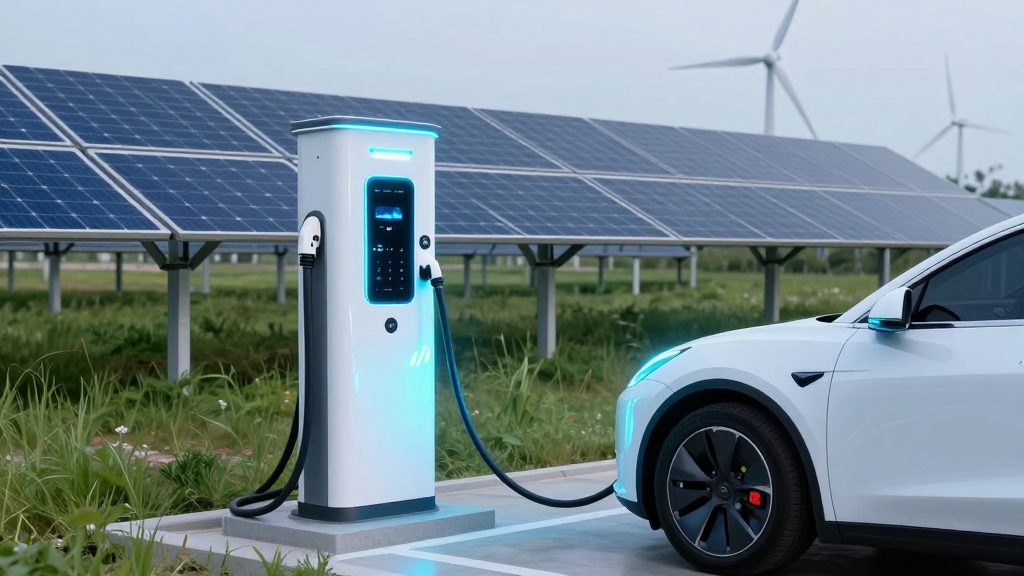
Lithium-ion batteries vs. solid-state batteries: Where is the future energy strategy for electric vehicles headed?
Here are 5 key habits to double the lifespan of your lithium-ion batteries.
Popular posts
Five Practical Tips for Extending the Lifespan of Lithium-ion Batteries.
Six Key Principles to Prevent "Performance Degradation" in Lithium-ion Batteries.
Comments 0